
IBO Player Activation
Official IBO Player activation partner. Activate the application on one supported Smart TV or compatible device with a 12-month or lifetime license.
Choose the correct player application for your device before purchasing. Review the available license plans on the activation page.
License options
6,94 € 9,99 €Price range: 6,94 € through 9,99 €
Are you a reseller? View our reseller plans.
Supported Devices
Check Compatibility Before Activating
IBO Player is available on supported Samsung, LG, Android TV and Firestick devices. Availability depends on the device model and application version. If a trial is available, test the application with your own setup before ordering.

Important Information Before Purchase
IBO Player is a media player only. Activation does not include channels, playlists, streaming subscriptions or other media content. You must use your own lawful playlist or service. Purchase activation only after confirming that the application works correctly on your device.
IBO Player License Pricing
Each license is valid for one supported device. A 12-month license activates the application for one year. Lifetime activation is available according to the selected product terms.
The displayed price depends on the application, license period and selected currency. Use the currency switcher to view available currencies, then confirm the final amount and payment method at checkout.
Select the correct application and activation period before paying. Review our Terms of Online Sale and Refund and Cancellation Policy before ordering.
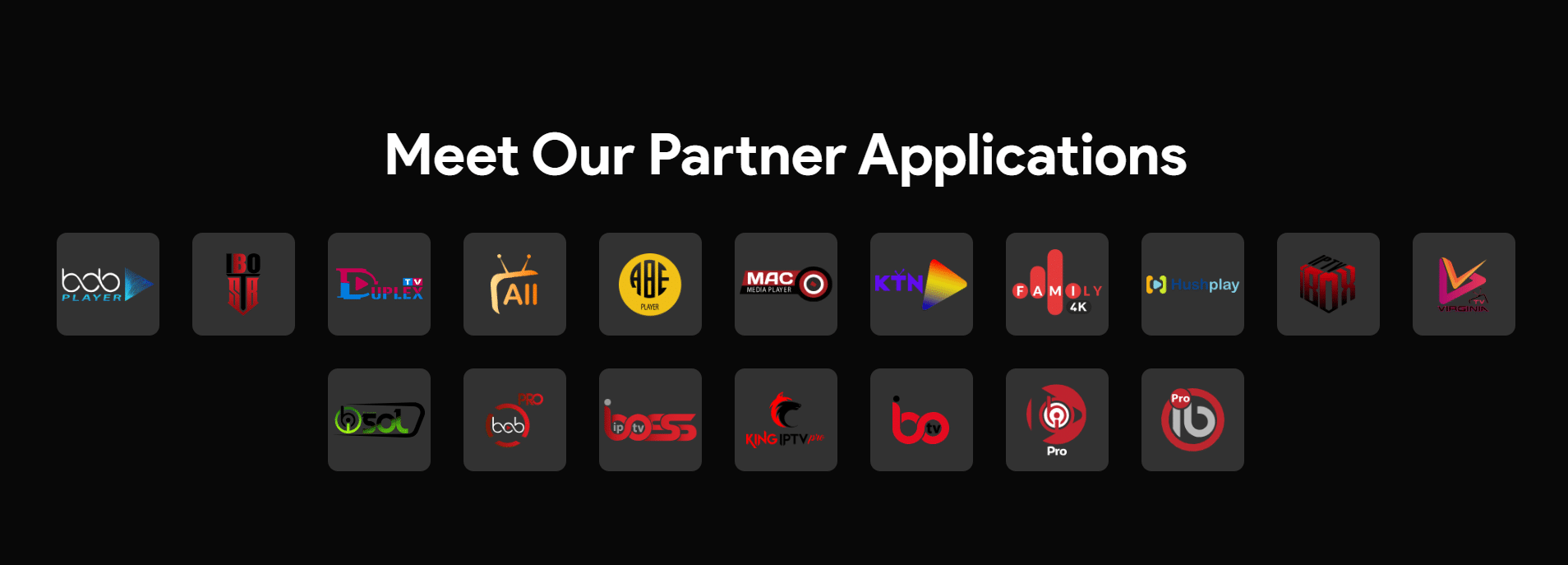
Choose Your Player Application
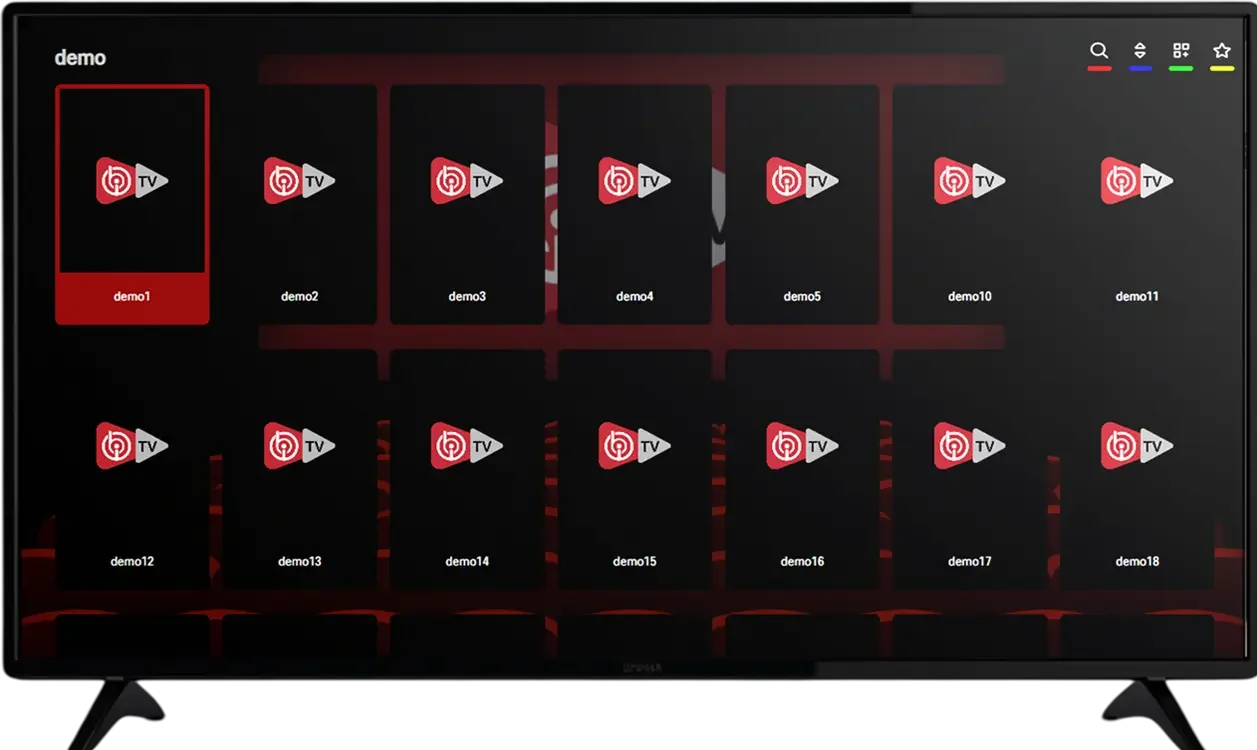
How to Activate IBO Player
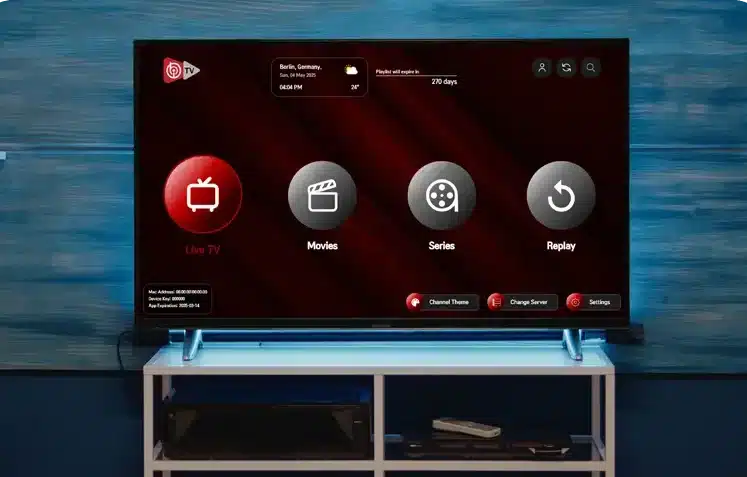
Install the correct IBO Player application on a supported device and open it to find the device information required for activation.
Choose the matching application and license period on the activation page. Enter your device MAC address and email accurately during checkout. After payment, follow the activation instructions provided for your order.
Activation Support
If you need help, contact us with your order reference and the application name. Check the device information you submitted before requesting assistance. Incorrect or incomplete details can delay activation.
Playlist Troubleshooting
If your playlist does not load, check the URL for missing or extra characters and confirm that the source is available. For playlist access, expired subscriptions or unavailable content, contact your independent service provider.
Download the Application
Use the download links for the application you intend to activate. On Smart TVs, check the device app store for availability on your specific model.
IBO Player supports M3U playlists. Add your own playlist through the application’s playlist-management options.
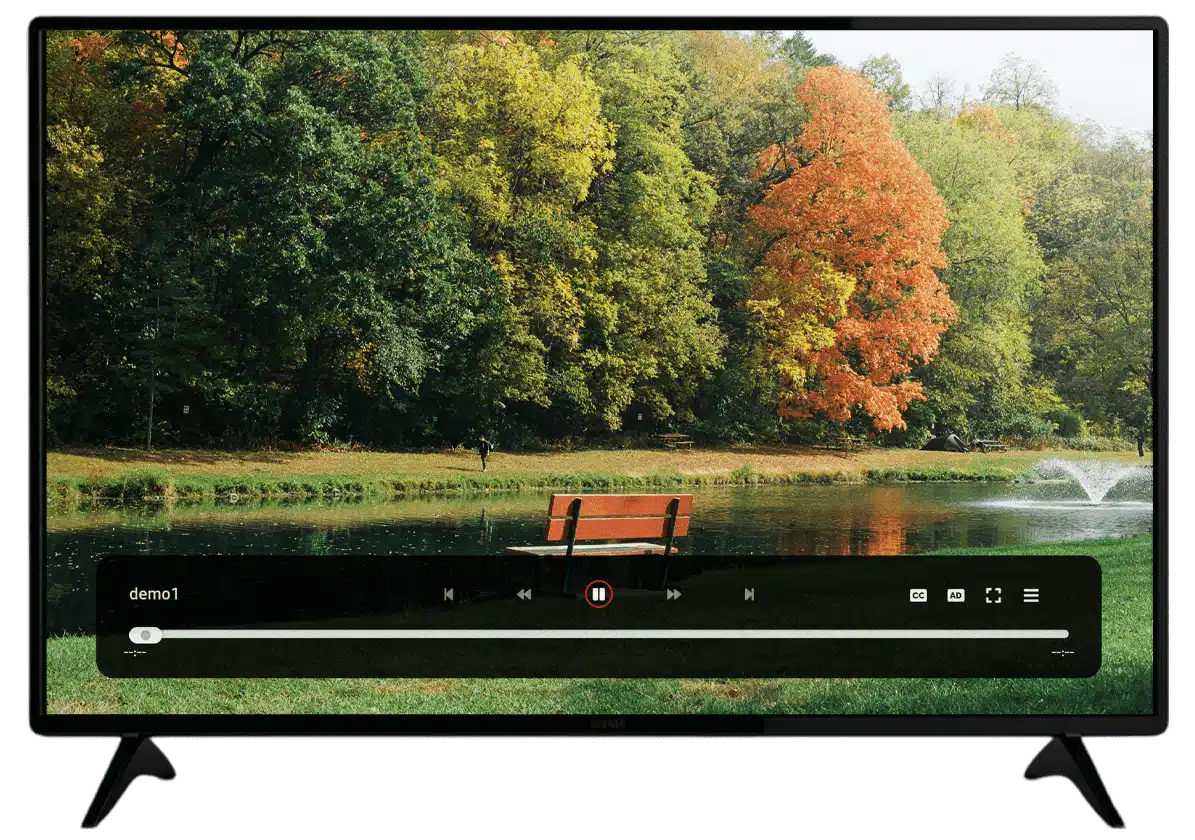
About Our Activation Service
We help customers purchase IBO Player licenses and complete device activation. This website also offers activation pages for other media player applications. Check the application name, supported device and license terms on each product page before ordering.
Device Compatibility
Confirm that your device supports the selected application and test it before purchasing if a trial is available. Availability may vary by model and app version.
Available payment methods for IBO Player activation
